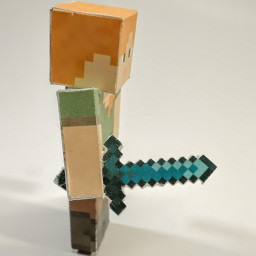
Pick a "Version", then select an item or block texture in the texture picker. The selected texture can be rotated, flipped, or tinted before it is placed.
Select "Custom" as the version to upload your own texture atlas.
Adding and removing items
"Add Item" places the selected texture as a new item on the page.
"Overlay Item" adds the selected texture as a new layer on the most recently placed item. This is useful for items made from several textures, such as potions or dyed leather armor.
"Remove Item" removes the top layer from the most recently placed item. If that item has only one layer, the whole item is removed.
"Clear" removes every item from the page.
Item Sizes
Choose a size before adding an item. Different sizes can be mixed on the same page.
Medium - Good for general items (400% scale)
Large - Good for weapons and tools (700% scale)
Extra Large - Good for spears and oversized items (1400% scale)
Small - Good for blocks as items (200% scale)
Choose "Custom" to set a scale from 100% to 1600%.
Folds and enchanted glint
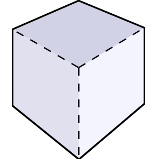
"Show Folds" toggles the fold lines used when assembling the printed item.
Choose an "Enchanted Glint" preset or upload a custom glint texture, then adjust its opacity and X/Y offsets.
Click a placed item on the page to toggle the enchanted glint for that item.
Tint
Loading...
Updates
26 Jan 2022 lostminer - First release.
05 Feb 2022 NinjolasNJM - Added fold lines and gap removal feature.
16 May 2026 NinjolasNJM - Added custom textures, extra item sizes, and enchantment glint.
17 May 2026 NinjolasNJM - Added gap-free item layout.